- Go to stock.adobe.com
- Click on the Sign-In button on the top right corner of the page.

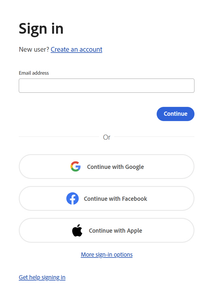
- On the Sign in page, type your UNM email in – DO NOT click on any of the “OR” options.
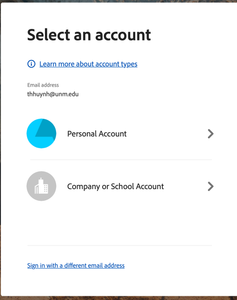
- On the next log in page, select Company or School Account.
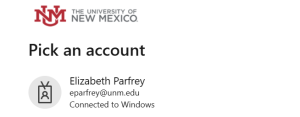
- Authenticate with UNM and select your email.
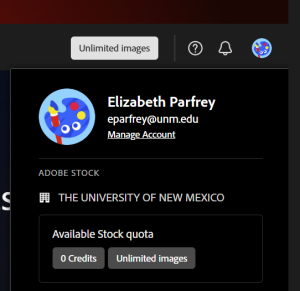
- Successful Login – the account should have “Unlimited images” to use.